
In a granite villa, Wi-Fi can work well beside the router and become unreliable only a few rooms away. Walls, room layout and equipment position all influence the result. A useful design starts with the places where people need connectivity, rather than the floor area alone.
Separate the internet line from indoor coverage
Consider a villa with a living room, upstairs bedrooms and a separate study. If the connection works near the router but deteriorates in the study, the internal network should be checked before changing the internet subscription.
The assessment compares several locations and devices, recording where slowdowns or disconnections occur. A floor plan marked with problem areas helps establish the signal path and prepare the survey. It also allows the owner to identify spaces that will have different requirements during the holiday season.
Place Wi-Fi access points where they are needed
Access points distribute Wi-Fi across different parts of the property. Their number and position depend on walls, floors, distances and expected use. Increasing router power or placing equipment inside a cupboard is no substitute for a well-planned layout.
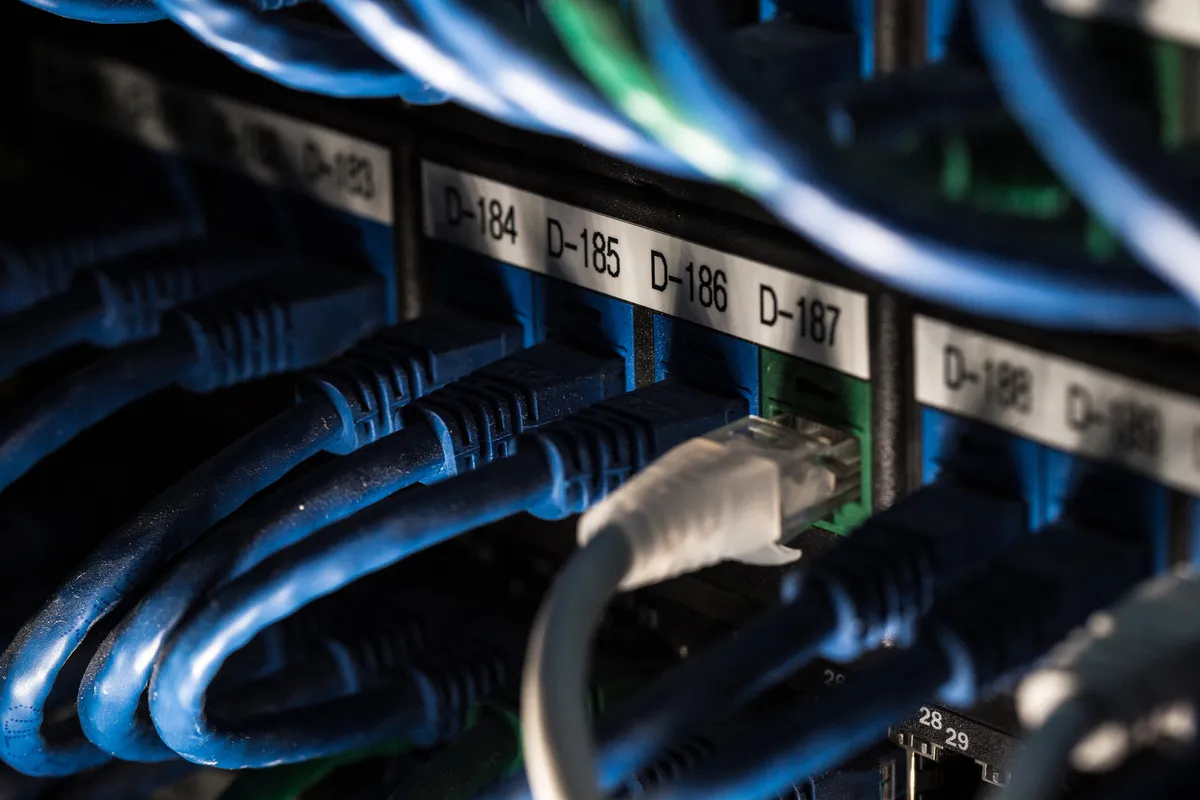
Where practical, wired connections between network points provide a useful foundation for the design. Cable routes should be checked before work starts, taking account of existing conduits, power and access for maintenance. Equipment positions can then be agreed with the owner.
Assess mesh and outdoor connections separately
A mesh network may suit some properties, but each point still needs an effective connection to the rest of the system. Putting a device in the very area where reception is already weak can leave its upstream connection inadequate.
A garden or guest house requires a separate assessment of distance, obstructions and cabling options. Equipment and installation must suit the chosen location. A solution intended for an indoor corridor is not automatically suitable for an exposed outdoor space.
Test the property as it will be used
Commissioning follows the agreed activities: a video call in the study, television in the living room, internet access in bedrooms and connectivity on the terrace. Checks should also include several active devices, rather than relying solely on the signal bars shown by a phone.
At handover, the owner or property manager should know which networks to use and how to request support. R3D LINK plans the work around the spaces requiring coverage and the available connections, with a practical goal: a network suited to everyday life at the property.